
Choose a section
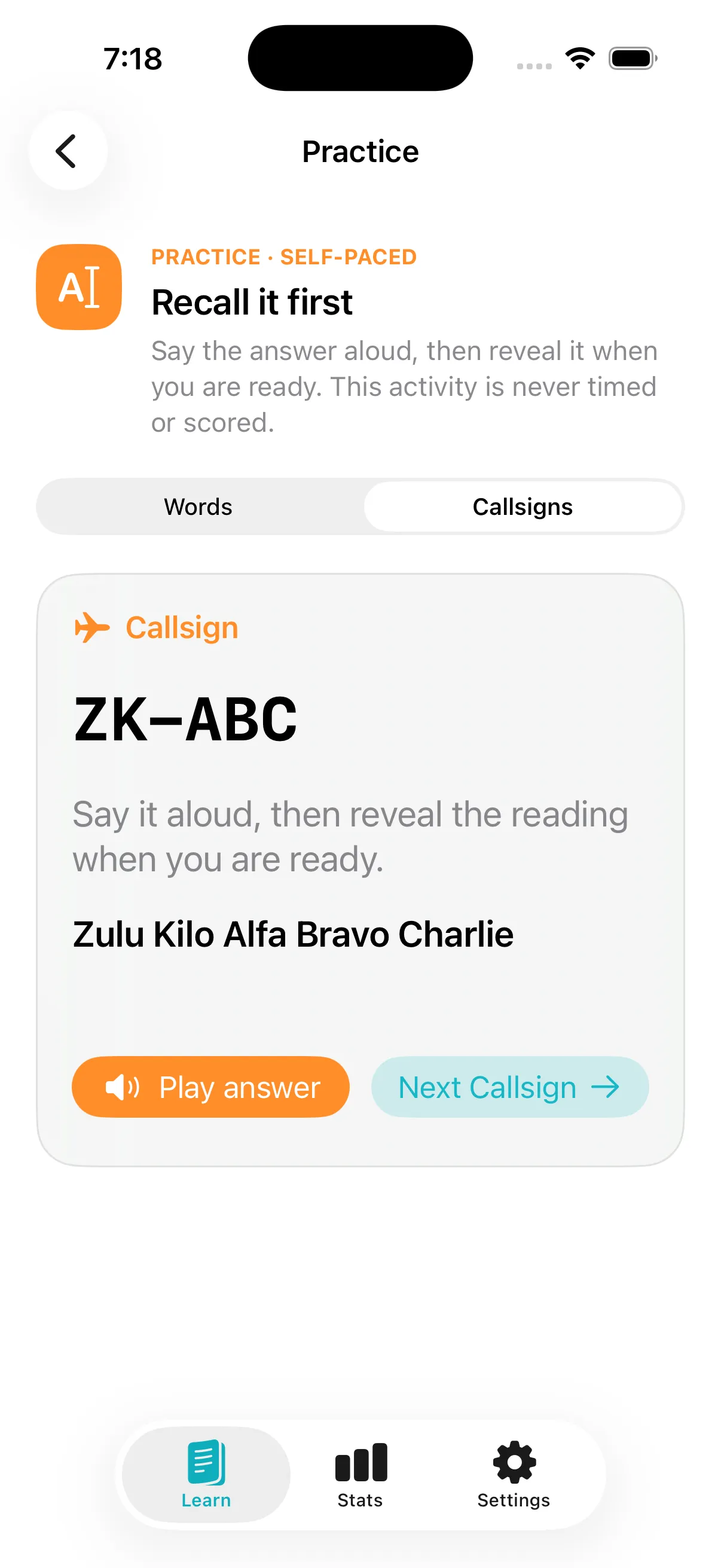
Start with free uncontrolled aerodrome calls and phonetic practice. Readback Plus adds FISCOM, Standard Words, and Airspace Flashcards with one optional purchase.
Readback for iPhone and iPad
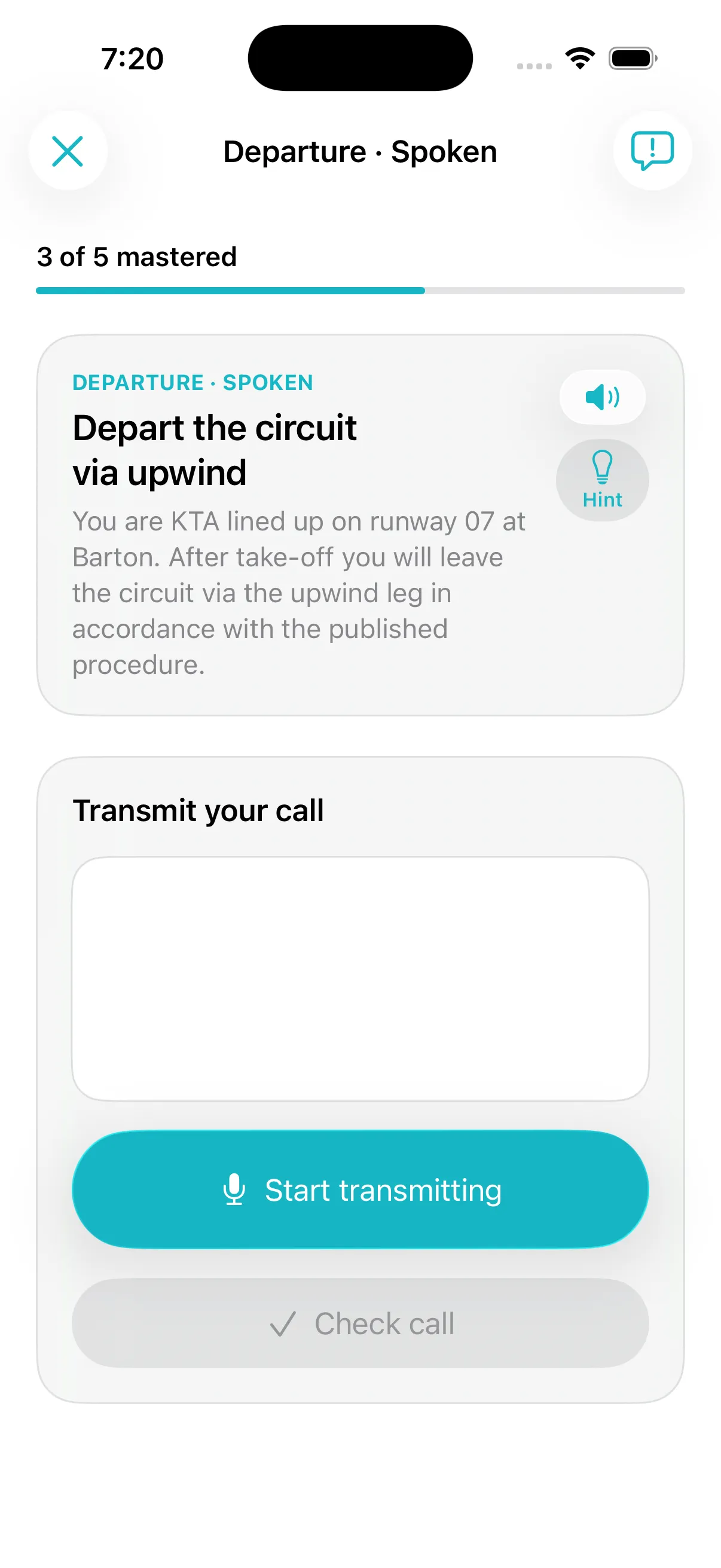
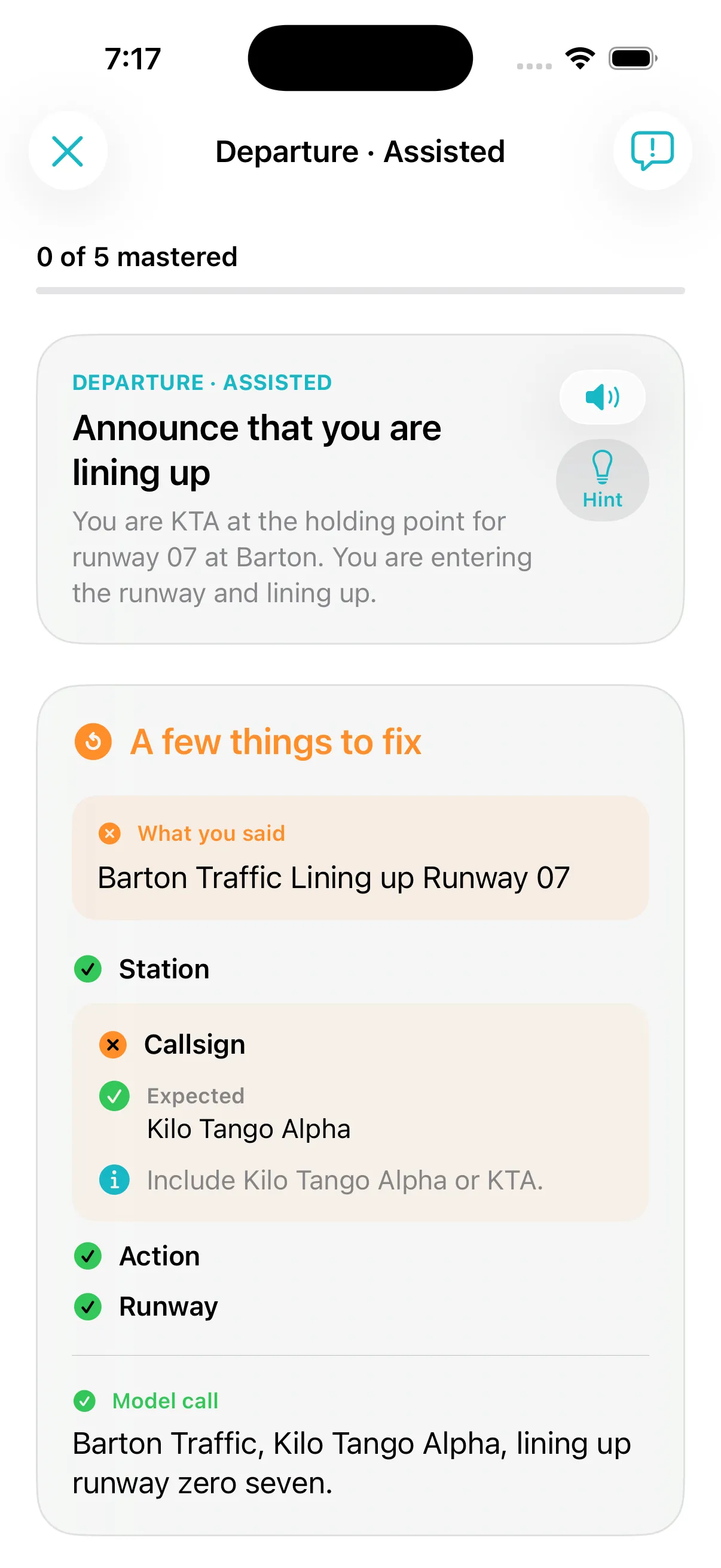
Read a situation, make the call, and check the parts you included. Speak your answer or type it instead.
How it works
Start with free uncontrolled aerodrome calls and phonetic practice. Readback Plus adds FISCOM, Standard Words, and Airspace Flashcards with one optional purchase.
Speak into your iPhone or iPad, or type your answer.
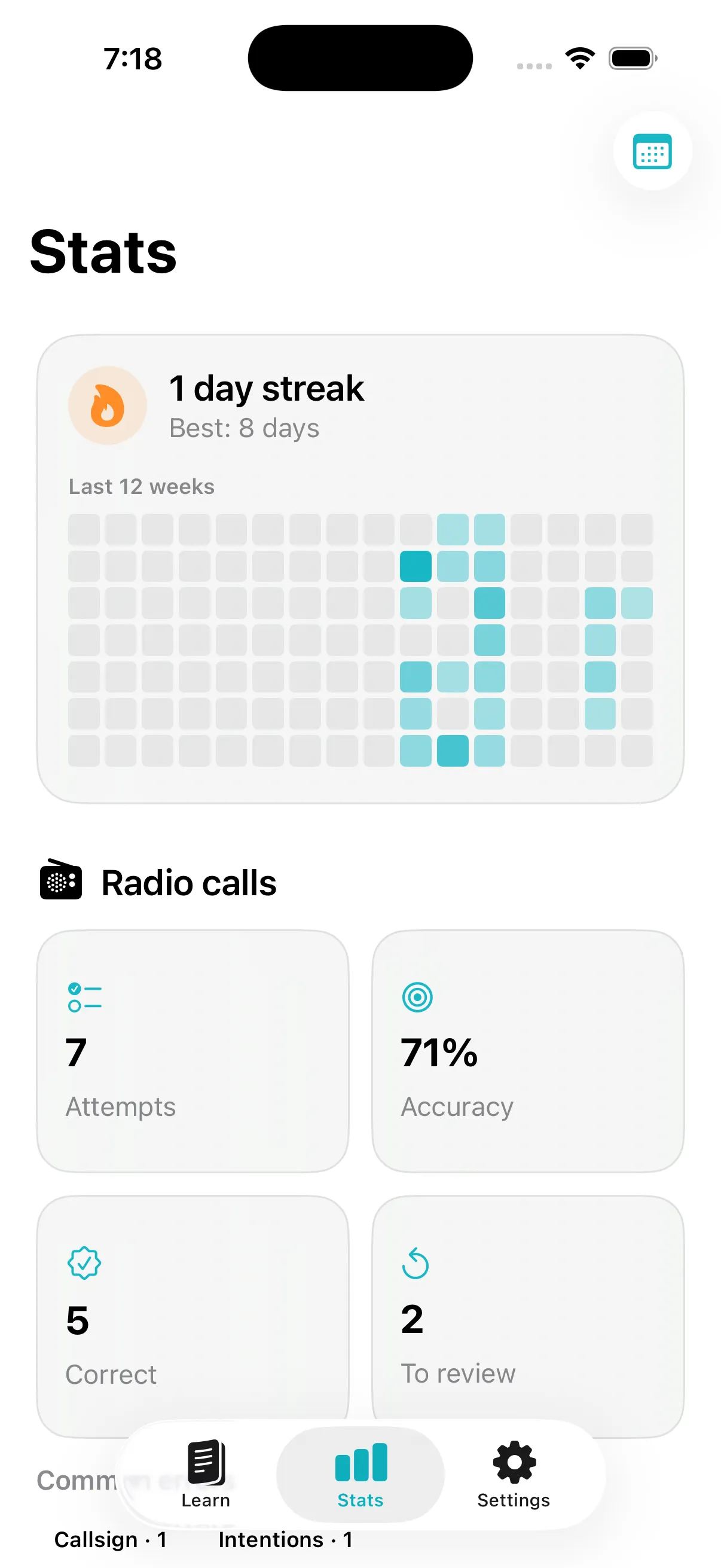
See what you included and what to review.
The app
Privacy
Practice audio is temporary and is never uploaded. Speech transcripts and typed answers also stay on your device.